> For the complete documentation index, see [llms.txt](https://paw-studio.gitbook.io/paw-studio-docs/llms.txt). Markdown versions of documentation pages are available by appending `.md` to page URLs; this page is available as [Markdown](https://paw-studio.gitbook.io/paw-studio-docs/litefish/custom-rod/bait.md).
# Bait
Baits are items that can be applied to a fishing rod to modify its behavior and improve fishing results.
### Mechanics
* When a bait is applied to a fishing rod, a corresponding **Lore** is added to the rod.
* When the player casts the rod, the **use effect** of each bait is activated.
* Effects from multiple baits **stack**.
* Once a bait’s durability is depleted, it **disappears**.
Equipped with 3 types of bait (Eternal Bait, Single-Use Bait, Durable Bait)
After use: Eternal Bait did not lose durability, Single-Use Bait -1, Durable Bait -1
### Types of Baits
#### 1. **Eternal Bait**
* Provides **permanent effects** while applied to the rod.
* Can be **removed at any time**.
* **Does not consume durability**.
```
"game.bait_lore": "%bait_name% §7%amount%"
```
#### 2. **Single-Use Bait**
* Consumed **after each use**.
* Example: If 5 single-use baits are applied, they will be consumed over 5 casts.
```
"game.bait_lore_1": "%bait_name%"
```
#### 3. **Durable Bait**
* Comes with a **durability value** (e.g., 30).
* When applied, displays `[current/max]` durability in its Lore (e.g., `[30/30]`).
* Durability decreases **with each use**, and the bait disappears when it reaches 0.
```
"game.bait_lore_2": "%bait_name% §7[%now%/%max%]"
```
### Bait Configuration Example
```json
{
"item": {
"material": "GLOW_BERRIES",
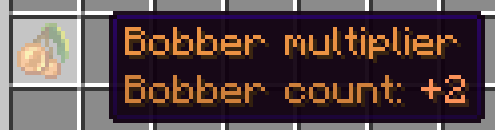
"display_name": "<#EE9444>Bobber multiplier",
"lore":[
"<#D1823C>Bobber count: +2"
]
},
"durability": 0,
"modificator": {
"drop_inc": 0,
"drop_health": 0,
"speed_inc": 0,
"size_inc": 0,
"player_health": 0,
"luck_inc": 0.0,
"auto_fishing": false,
"bobber_amount": 2
},
"conflict":["ALL"]
}
```
**`id`** - name of file
\
**`item`** - item configuration. [LiteItem](/paw-studio-docs/overview/liteitem.md)
**`durability` -** determines the **type** of bait:
* `0` → **Eternal Bait** (never consumed)
* `1` → **Single-Use Bait** (consumed once per cast)
* `>1` → **Durable Bait** (has durability; decreases per use)
**`modificator`** - modifier configuration. [Modificators](/paw-studio-docs/litefish/modificators.md)
**`conflict`** - defines compatibility rules with other baits:
* List bait IDs that **cannot** be equipped together with this bait.
* `"ALL"` means this bait must be used **alone** — no other baits can be applied simultaneously.
### Creating a Bait
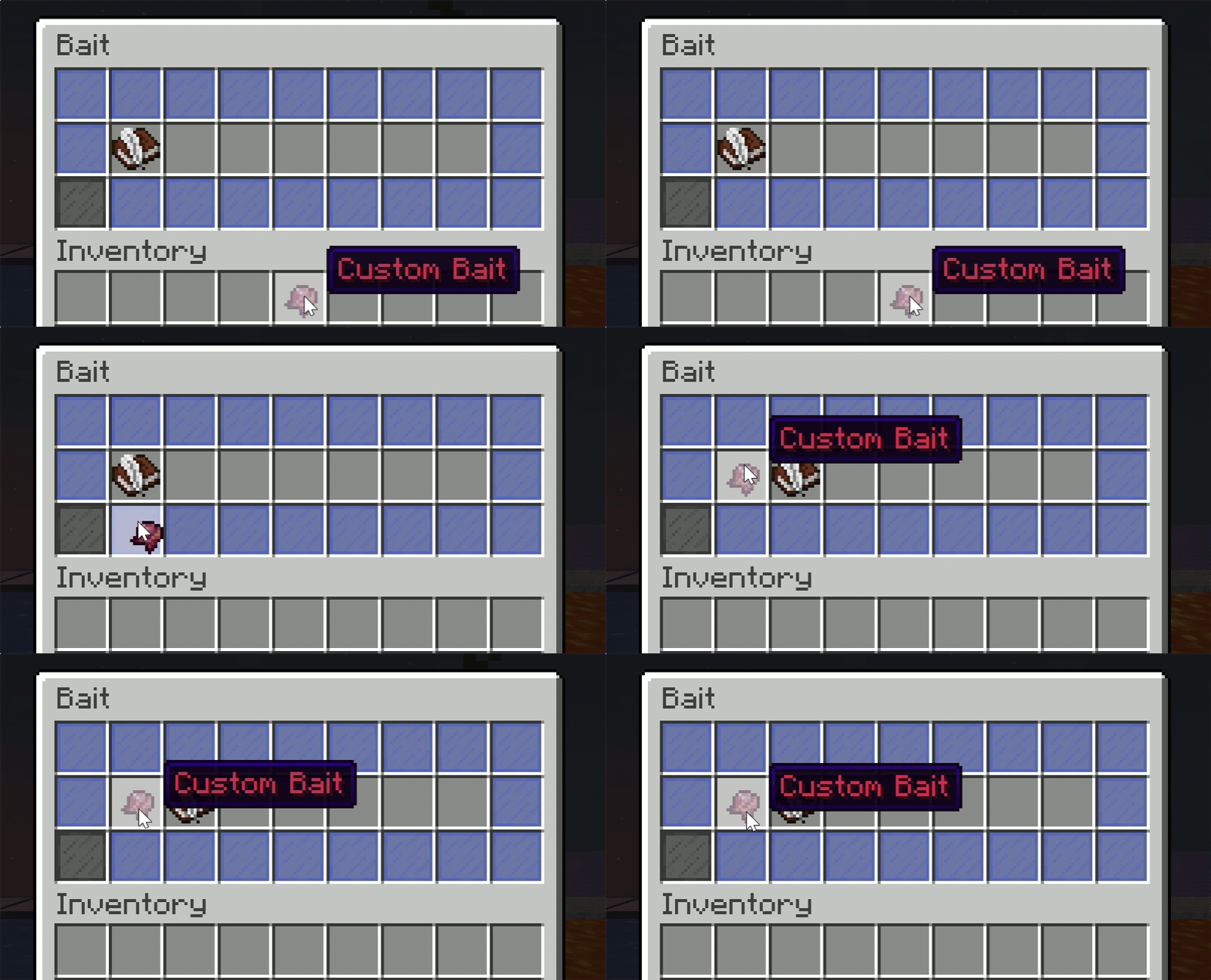
1. Go to the `/lfish menu` and click the `Bait`.
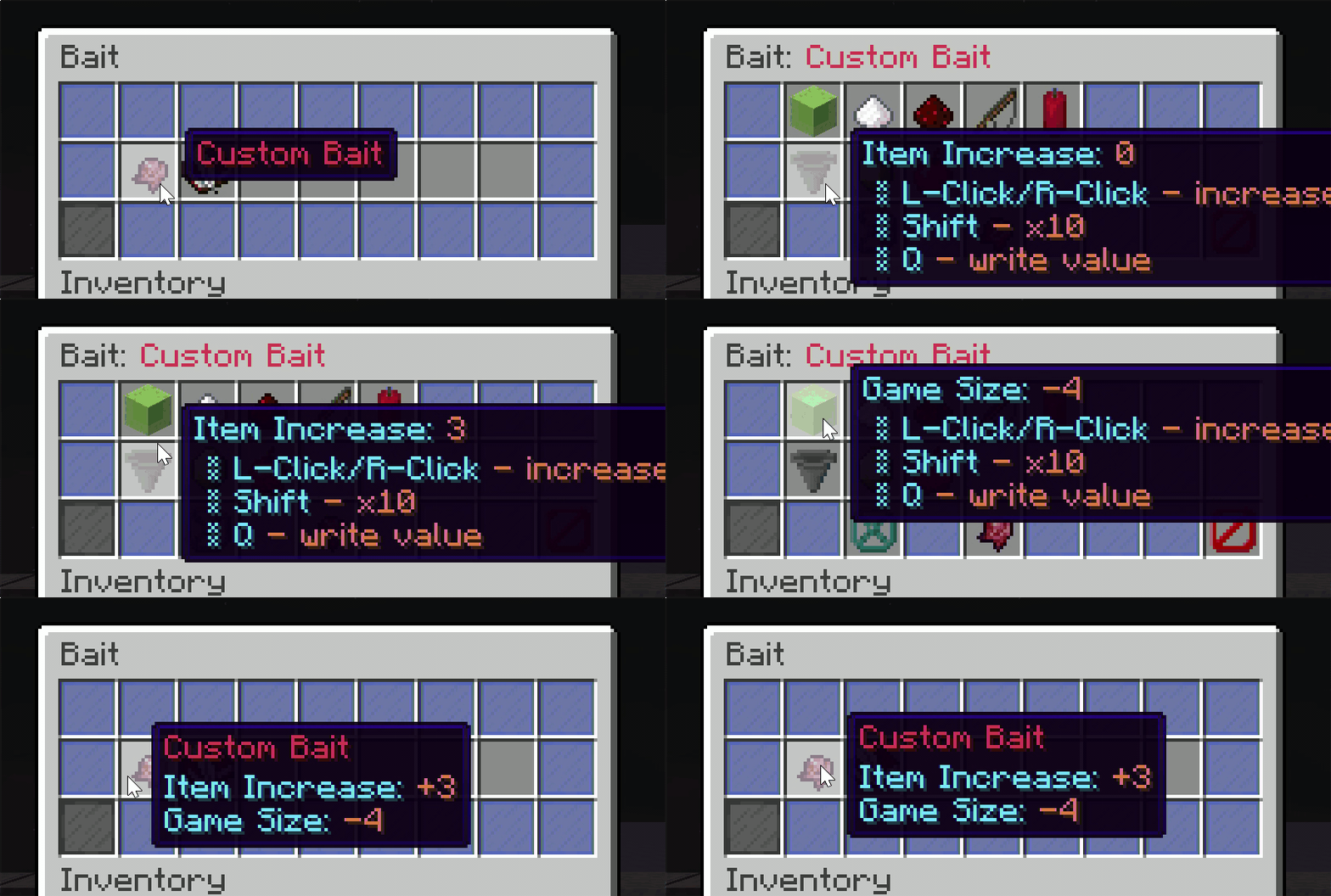
2. Put the bait item in the `Add` button to create a new bait config. All bait files are stored in `server/plugins/LiteFish/baits`.
3. You can set modifications for this bait, or link it to the modification config using the `LINK` button.